AeVP: Interactive Autoencoder Visualization

Ram Vikas Mishra (246101011)

PhD (CSE), IIT Guwahati

DA623: Computing with Signal (Even Semester, Batch 2025)

Instructor: Dr. Neeraj Sharma

(Scroll down or use navigation buttons to proceed)

Motivation

  • Understanding the "Black Box": Deep learning models can be opaque. How do they *really* work internally?
  • Hands-on Learning: Inspired by Dr. Sharma's interactive teaching for building intuition by doing.
  • Visualizing Core Concepts: Autoencoders are fundamental for dimensionality reduction, feature learning, and generative models.
  • Bridging Theory and Practice: Create a tool to directly manipulate and observe AE components (layers, bottleneck).
  • Making Learning Engaging: Move beyond static examples to a dynamic, configurable laboratory environment.

Connection to Multimodal Learning

Autoencoders are crucial precursors and components in multimodal systems.

  • Representation Learning: Core task in ML. AEs learn compressed, meaningful representations (the *latent code*) from input data (like images).
  • Shared Latent Spaces: In multimodal learning, variants of AEs help map data from different modalities (e.g., images and text) into a common latent space.
  • Cross-Modal Generation: Decoding from this shared space can allow generating one modality from another (e.g., generating image captions).
  • Dimensionality Reduction: Essential for handling high-dimensional multimodal data efficiently.

(Generic diagram showing modality mapping via latent space)

This project focuses on visualizing the *unimodal* representation learning aspect, a building block for more complex multimodal architectures.

Learning Journey & Takeaways

  • Deep Dive into Autoencoders: Solidified understanding of encoder/decoder structure, convolutional/transpose layers, and the bottleneck's role.
  • TensorFlow/Keras Implementation: Practical experience defining, training, and saving models using the Keras API.
  • Backend Development (Flask): Building API endpoints to handle model training, status updates, and inference requests. Managing background tasks (threading).
  • Frontend Interaction (JS): Capturing user input (canvas, sliders, uploads), making asynchronous API calls (`fetch`), updating the DOM dynamically (status, charts, images).
  • Data Handling: Image preprocessing (resizing, normalization), Base64 encoding/decoding, handling NumPy arrays between backend and frontend (via JSON).
  • Visualization Techniques: Using Chart.js for real-time plotting, formatting activation maps for interpretability.
  • Debugging Challenges: Tackling state management issues, frontend/backend synchronization, JavaScript errors, and Colab environment quirks.

Project Core: Configuration & Training

Configuration

  • Select Dataset (MNIST/Fashion-MNIST)
  • Define Bottleneck Size (e.g., 2x2, 3x3)
  • Set Filter Counts for Conv Layers
  • Specify Number of Training Epochs

Real-time Training

  • Initiate training via API call.
  • Backend trains model in background thread.
  • Frontend polls for status updates.
  • Live Training/Validation Loss chart (Chart.js).
  • Clear status messages (Epoch progress, final loss).
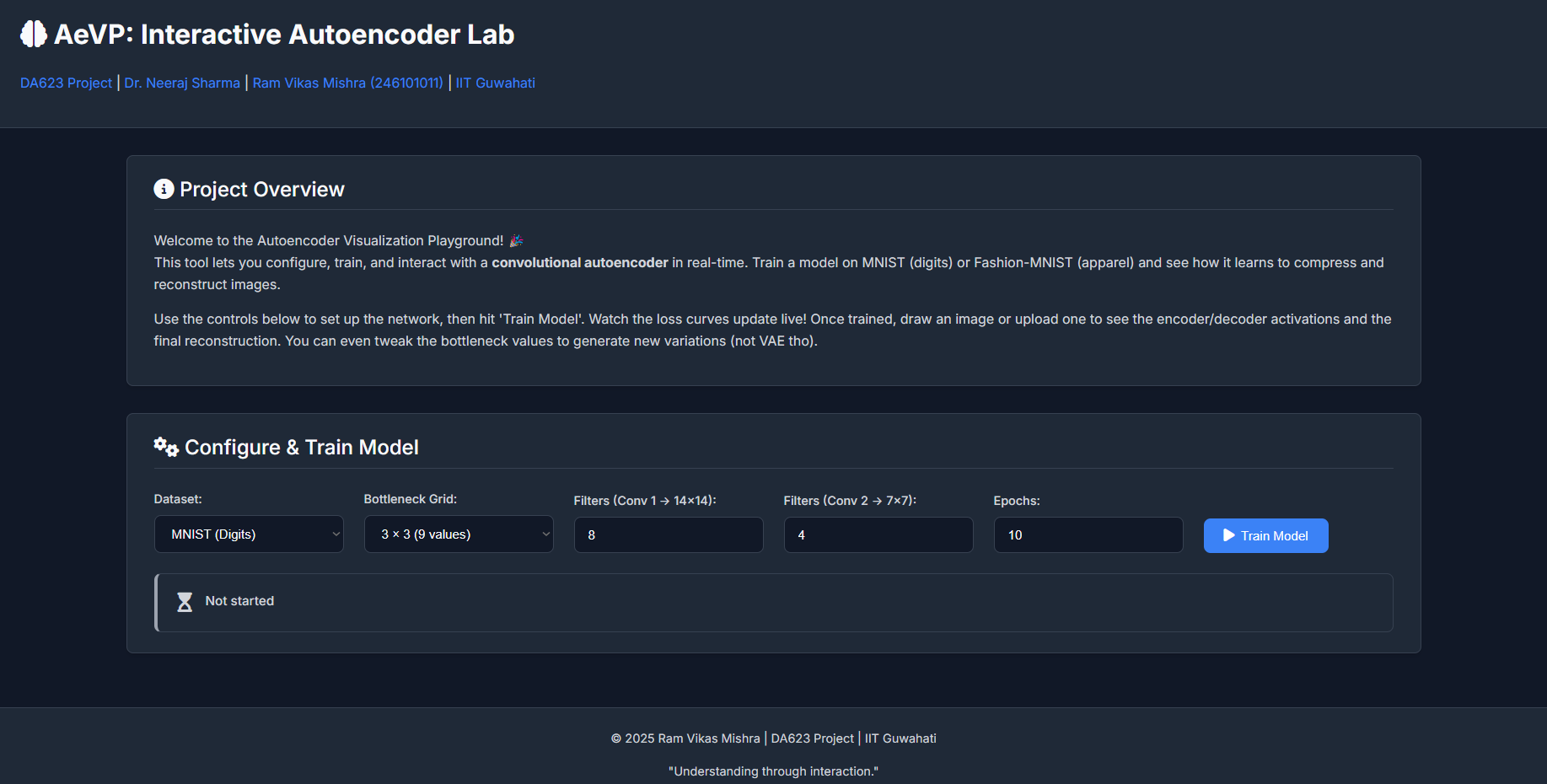
(Screenshot of Config Area & Chart)

Project Core: Interactive Inference (1/2)

Input

  • Draw directly on the canvas.
  • Upload custom images (PNG/JPG).
  • Image is preprocessed (28x28 grayscale, normalized).
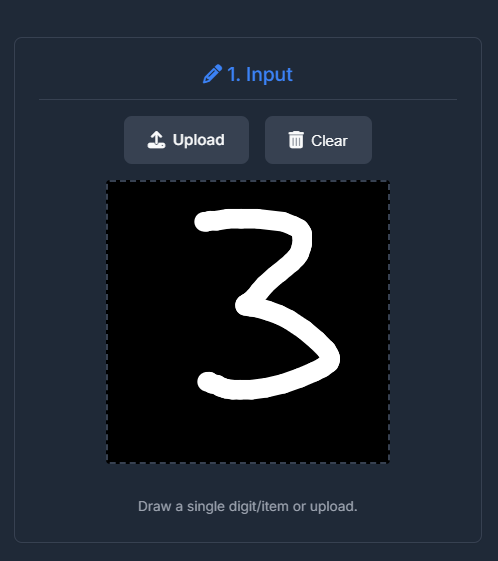
(Screenshot of Canvas Input Area)

Encoder Visualization

  • Input image passed through the trained encoder.
  • Visualize activation maps from each Conv layer.
  • Shows features extracted at different stages (edges, patterns).
  • Uses colormaps (like Viridis) for clarity.
  • Hover to zoom on individual feature maps.
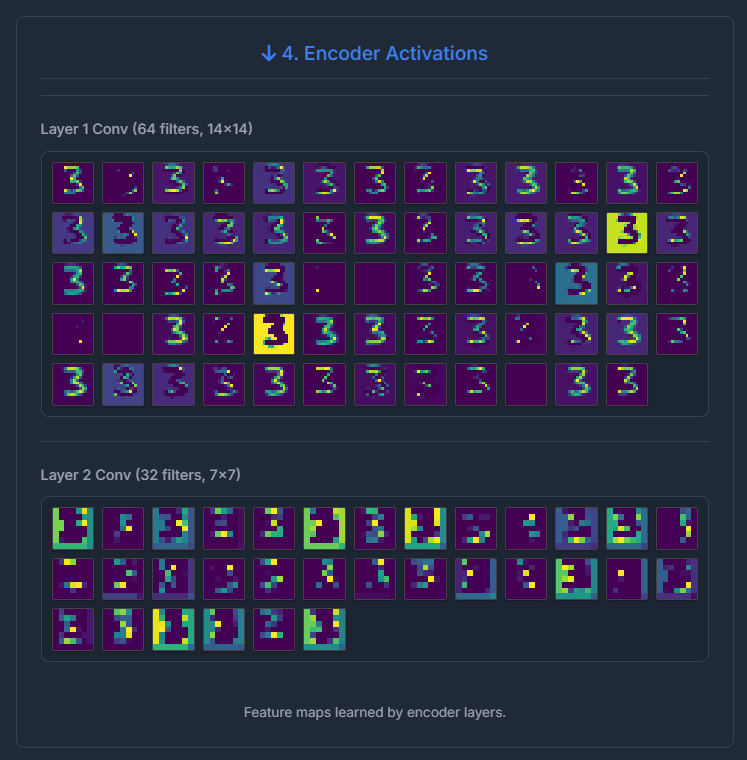
(Screenshot of Encoder Activations)

Project Core: Interactive Inference (2/2)

Bottleneck

  • View the compressed latent vector values.
  • **Crucially:** Manipulate values using sliders.
  • Observe real-time changes in the decoded output.
  • Provides intuition for the latent space structure.
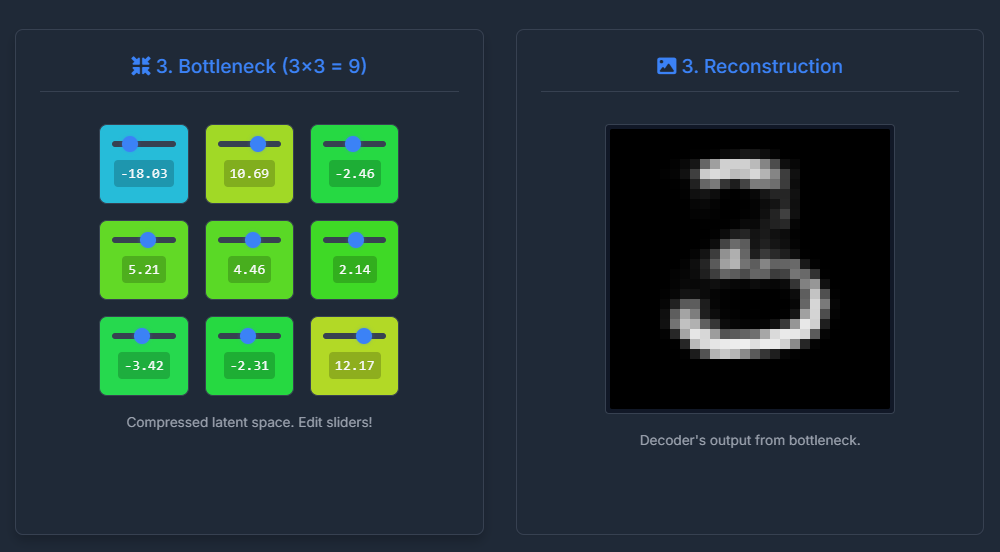
(Screenshot of Bottleneck Grid and Output of Decoder)

Decoder & Output

  • Latent vector (original or modified) fed to decoder.
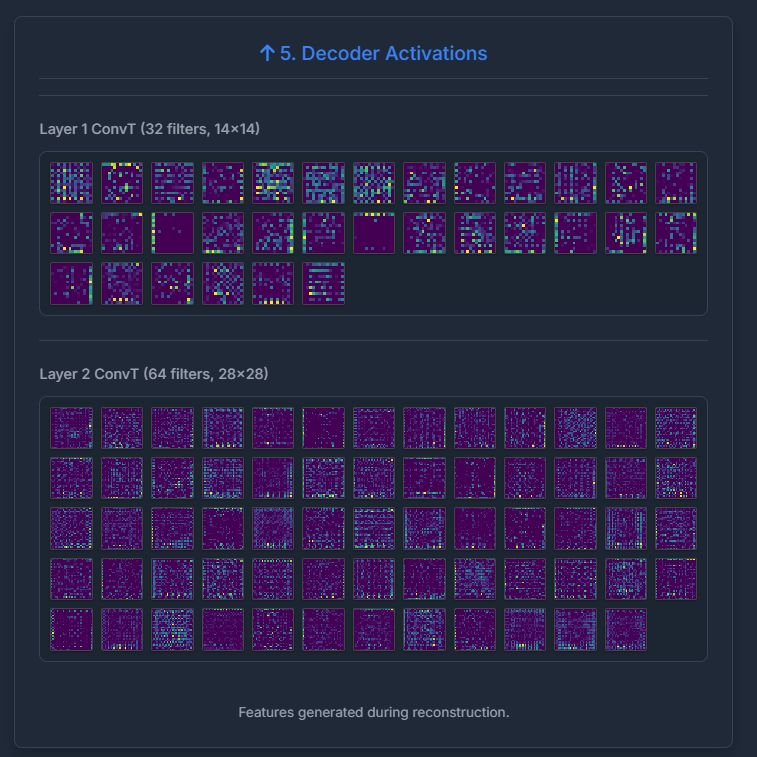
  • Visualize activations from ConvTranspose layers.
  • Shows how features are gradually reconstructed.
  • View the final 28x28 reconstructed image.
  • Compare input vs. output.

(Screenshot of Decoder Activations)

Architecture Snippet (Encoder Example)

Simplified Keras code demonstrating the encoder structure:


from tensorflow.keras import layers, models, Input

def build_encoder(input_shape, filters1, filters2, latent_dim):
    encoder_inputs = Input(shape=input_shape, name='encoder_input')

    # Conv 1 -> 14x14
    x = layers.Conv2D(filters1, (3, 3), activation='relu', padding='same',
                      strides=2, name='encoder_conv1')(encoder_inputs)
    x = layers.BatchNormalization(name='encoder_bn1')(x)

    # Conv 2 -> 7x7
    x = layers.Conv2D(filters2, (3, 3), activation='relu', padding='same',
                      strides=2, name='encoder_conv2')(x)
    x = layers.BatchNormalization(name='encoder_bn2')(x)

    x = layers.Flatten(name='encoder_flatten')(x)

    # Bottleneck
    encoder_outputs = layers.Dense(latent_dim, name='bottleneck')(x)
    encoder = models.Model(encoder_inputs, encoder_outputs, name='encoder')
    return encoder

# Usage:
# encoder = build_encoder((28, 28, 1), f1=8, f2=4, latent_dim=9)
                

Key components: Convolutional layers for spatial reduction, Batch Normalization for stability, Flattening, and a Dense layer for the final bottleneck.

Reflections

What Surprised Me?

  • **Sensitivity:** How much reconstruction quality depends on bottleneck size, filter counts, and epochs. Small changes have big impacts.
  • **Latent Space:** The bottleneck values aren't always easily interpretable, but modifying them clearly affects specific output features.
  • **Complexity:** Integrating backend (TF, Flask), frontend (JS, Canvas), and real-time updates involves many moving parts and potential points of failure.
  • **Visualization Power:** Seeing activations directly provides much more insight than just looking at loss curves.

Scope for Improvement

  • **Architectures:** Implement Variational AEs (VAEs) or Denoising AEs.
  • **Datasets:** Add support for more complex datasets (e.g., CIFAR-10, CelebA - might need deeper models).
  • **Viz:** More advanced techniques (t-SNE/UMAP on bottleneck), Grad-CAM for layer importance.
  • **UI/UX:** More configuration options, smoother animations, ability to save/load specific bottleneck states.
  • **Deployment:** Package as a standalone web app (e.g., using Docker, cloud services).

References & Tools Used

Key Concepts / Inspirations:

  • Convolutional Neural Networks (CNNs)
  • Autoencoder Principles (Encoder, Decoder, Bottleneck)
  • Dimensionality Reduction & Feature Learning
  • Keras Documentation & Examples
  • Dr. Sharma's Course Lectures (DA623)
  • (Add specific papers if any were directly referenced)

Technologies & Libraries:

  • **Backend:** Python, TensorFlow/Keras, Flask, NumPy, Pillow
  • **Frontend:** HTML5, CSS3, JavaScript (ES6+)
  • **Visualization:** Chart.js, Matplotlib (backend map generation)
  • **Environment:** Google Colaboratory
  • **Assistance:** Generative AI (ChatGPT/Claude/Gemini) for code generation, debugging, and content suggestions.
  • **Styling/Animation:** Font Awesome, Animate.css

Thank You!

Questions?

Project Colab Link: AeVP Notebook

Author: Ram Vikas Mishra | rvmishra.in